Phase 1
Jan to Mar 2023Lamproom operators
Paper replaced by barcode scanning and a tablet.
Some identifying details have been redacted due to non-disclosure agreements (NDAs).
At many African mines, lamproom operations run every day, inspecting and tracking thousands of safety-critical devices from multiple OEMs across sites. The workflow was fragmented: operators logged inspections on paper, supervisors manually re-entered data into Excel, field technicians received broken equipment with no defect history and admins had no cross-site visibility.
As the sole designer across all three phases of the new digital inspection module, I rebuilt the operator inspection workflow around a scalable checklist model with serial number scanning, replacing paper and cutting critical errors across 200+ mines. The foundation then scaled across supervisors, field technicians and admins in Phases 2 and 3, giving all four user groups access to the same inspection records.
This case study digs into Phase 1 in depth, with a brief overview of Phase 2 and 3 outcomes.
Paper replaced by barcode scanning and a tablet.
Eliminate re-typing, enhance overviews with dashboards, enhance device repair history.
Status and movement across all sites, a live view and monthly reports.
At many African mines, miners collect their assigned cap lamp and gas detector from the lamproom before going underground and return them after their shift.
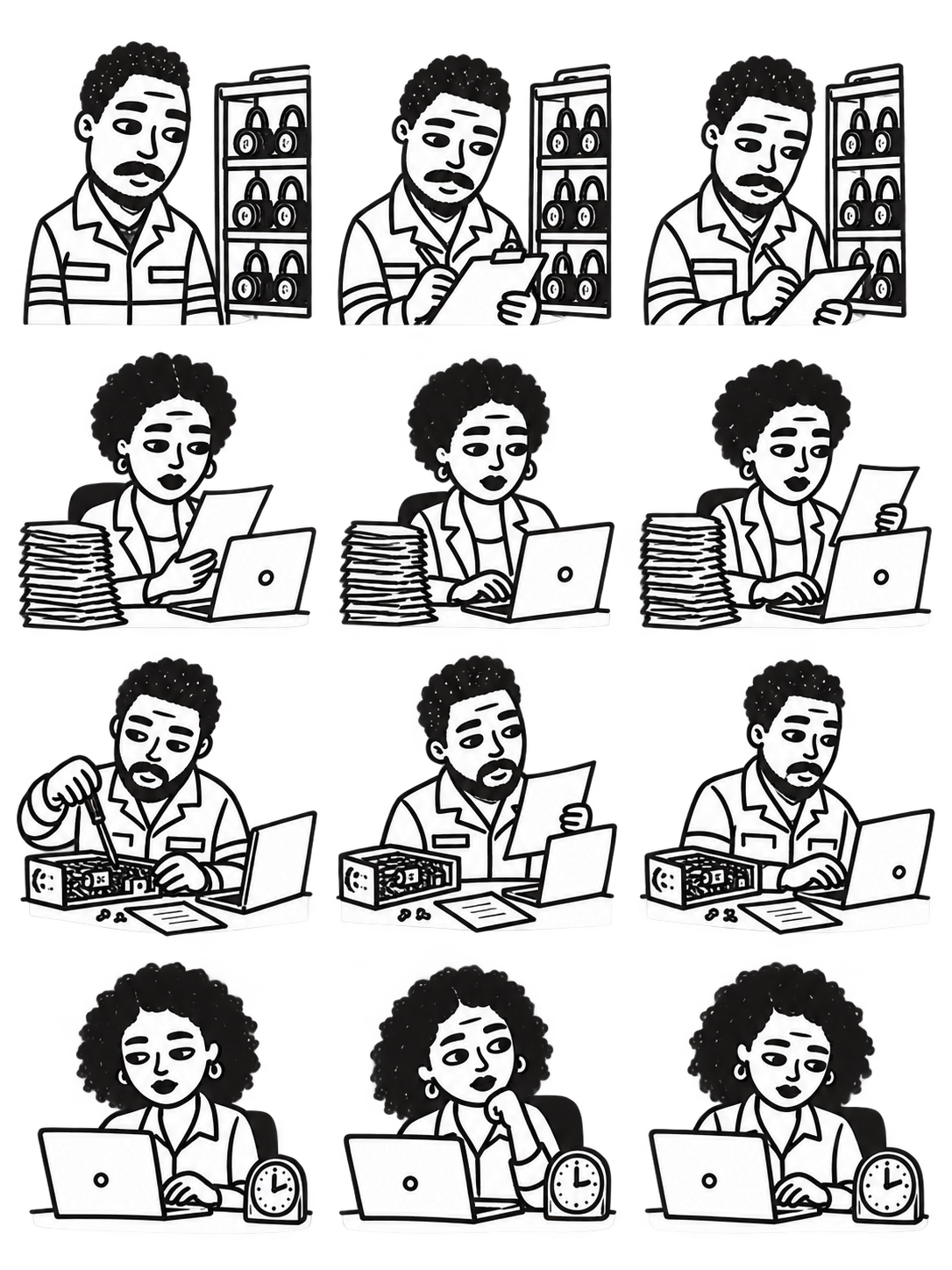
Every shift, operators inspect the devices and log their condition on paper, painstakingly cross-referencing a separate defect-code list. This makes inspections slow and tedious and increases the time spent on training.
The paper then goes to supervisors, who spend hours retyping it into Excel to track equipment movements and repairs.
Supervisors then generate daily and monthly reports using both their Excel spreadsheets and the data in the existing platform.
Faulty devices reach technicians with vague descriptions and no defect history, so they re-enter the details into the existing software platform.
And the admins overseeing multiple sites? They wait on the supervisor’s reports to find out what’s happening.
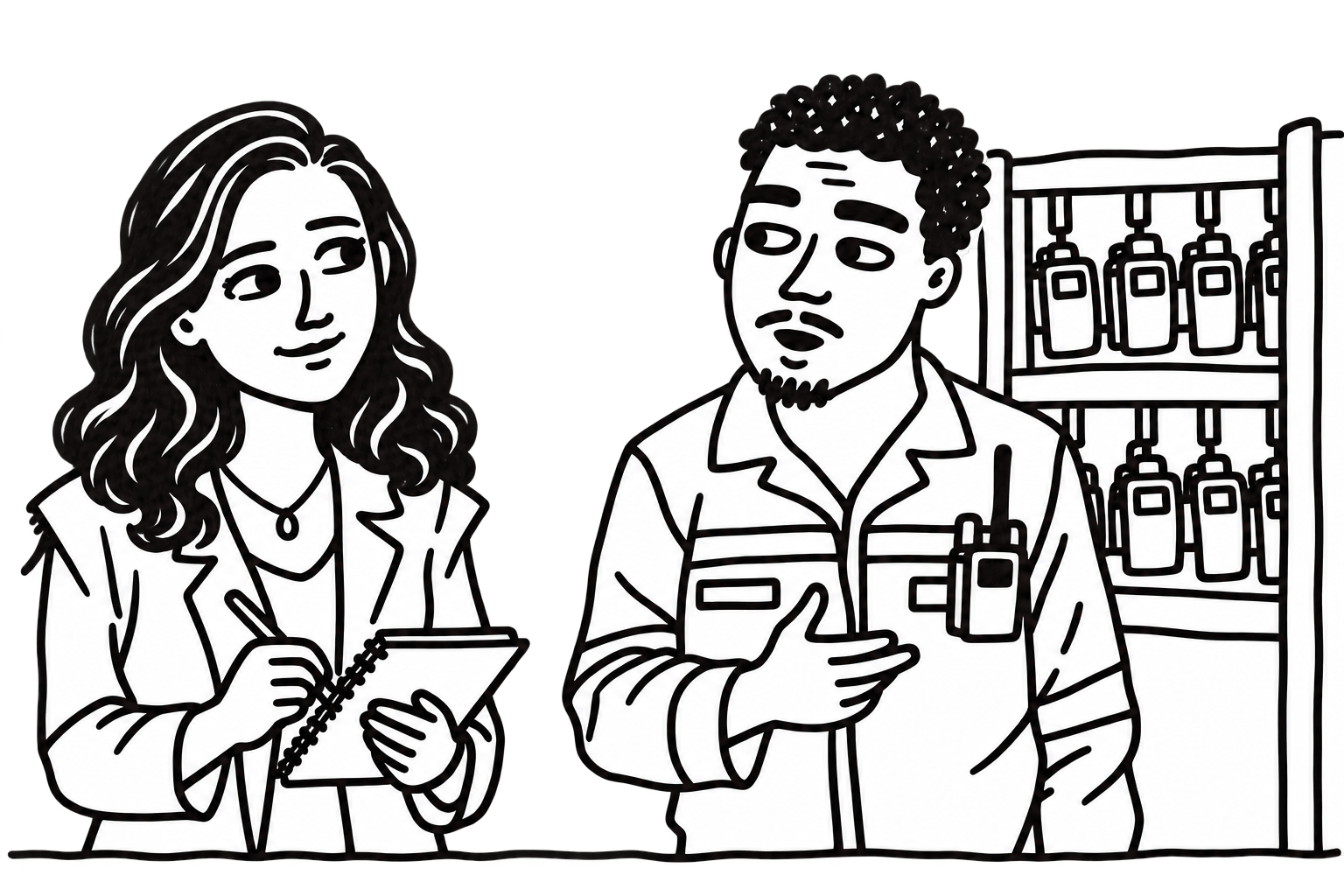
I shadowed operators through a full shift, walked through the racks and followed the paper handover to supervisors. Interviews before and after uncovered routines that hadn’t come up in meetings.
Each operator checked around 200 devices per shift, recording serial numbers and cross-referencing a defect-code list. Many relied on memorised codes, making training slow and changes difficult to learn.
“When the codes change, I have to learn them again. Checking the list for every device takes time.”
Operator quote
Operators sometimes recorded a critical fault and forgot to remove the device. Supervisors then had to read the inspection list and check the rack to confirm it had been replaced with a spare. If the same fault appeared on the same device in three consecutive inspections, they had to book it in for repair.
Separately, supervisors tracked whether slots held the assigned devices, whether equipment was missing after a shift or whether it had stayed unused for more than three shifts.
“The sheet tells me what was found. I still have to check whether it was dealt with.”
Supervisor quote
Without a live view, supervisors depended on paper records and follow-up checks to know what needed attention.
Before sketching interfaces, I used the research to explore possible workflow changes. Could prompts help operators act more efficiently during inspections? Could this, in turn, improve the day-to-day work of operators and eventually technicians and admins?
The pain points we gathered raised three questions and opened up new opportunities.
Operator: codes to remember and slow training
Show inspection criteria and faults up front
Operator selects faults without memorising codes
Supervisor: checking whether critical devices were removed
Prompt removal and spare confirmation during inspection
The operator records the action, so supervisors no longer have to check shelves manually.
Supervisor: finding repeat faults in reports
Flag the same fault on the same device after 3 consecutive inspections
System detects; operator acts; supervisor reviews
Supervisor: manual movement and spare tracking
Use scan records, replacements and shift rosters
System builds summaries; supervisor investigates exceptions
Supervisor + technician: repeated entry. Admin: delayed visibility
Share the inspection record across roles
Supervisor gets reports; technician gets repair context; admin gets a live view
Both options would use a barcode scanner, an existing business requirement. The main design question was how operators would record faults.
Option A: Visual mapping. My original idea used a labelled device image. Operators would tap a component, then select its fault. I wanted to make a tedious task feel more visual and easier to learn.
As I sketched it, I kept coming back to the memory burden I’d seen at the mine. A picture could show where to tap. Operators would still have to remember everything to check if faults were hidden behind components. Showing every fault alongside the image risked making the screen crowded and overwhelming. The idea still felt worth exploring.
Option B: Structured checklist. Operators would scan the device, then work through the inspection in a checklist format, with the possible faults beside each item. This gave the checks more room and kept them visible up front. It felt less visual and engaging than Option A.
Before stakeholder review, I took both options to the dev team. We had three months for design and development, so the choice had to work within that window and accommodate new equipment without a redesign.
The visual option brought practical problems. We only had labelled imagery for the client’s devices readily available. Other manufacturers’ equipment would need images uploaded and checks mapped manually. From past experience, they knew mapping images to components would take a long time.
We chose the checklist option. It kept the inspection criteria visible, worked across manufacturers and could accommodate new equipment without custom imagery.
I reviewed the low-fi flow with the product owner, a former mine supervisor. We walked through a routine inspection, a device with multiple faults and a serial number that didn’t match its slot.
He liked the simpler workflow and raised a concern about operators rushing through without checking properly.
I had proposed letting the next scan confirm the previous inspection. Each device needed an explicit acknowledgement for the record, though, so we agreed on one large confirmation button after the checklist.
He also asked for photo confirmation. Taking photos throughout the inspection would interrupt the work and add storage and compression requirements, so I proposed random photo checks of specific device parts instead. He requested a timer too, so supervisors could spot unusually quick or slow inspections.
We kept contextual fault images as a possible later enhancement, such as showing casing damage when that item was selected. I then revised the flow and reviewed it with him again before moving to high-fidelity design.
After low-fi sign-off, I skipped mid-fidelity testing and built a high-fidelity prototype for two reasons:
I built the prototype around four scenarios from the mine visit:
The operator scans a device’s serial number and inspects it against a checklist, with faults shown beside each criterion. A device stays in its rack slot unless it is unsafe. Unsafe devices are moved to the trolley and a spare replacement is confirmed. The operator selects “I checked it”, continues through the remaining devices, then reviews the inspection, acknowledges the declaration and signs with a PIN. An empty slot can also be recorded.
I added a review screen to the hi-fi prototype so supervisors could also give feedback.
The supervisor reviews the inspection and the information gathered for supervisor review, including slot mismatches, notifications and notes. Each unsafe device removed to the trolley is verified before the supervisor signs off. Verified trolley devices can then be booked in for repair with their inspection and defect history attached.
I reviewed the different scenarios and testing criteria with the stakeholder before we headed to the mine.
I tested with four operators across two shifts, asking them to think aloud through inspection scenarios on the trolley-mounted tablet. I measured task completion, scenario time and errors when a device’s serial number didn’t match its slot.
The prototype couldn’t connect to a real scanner. Operators held one and mimicked scanning while a keyboard press triggered the screen. Scanning was simulated during the workflow tests.
Task completion was high, including among operators who had been hesitant about tablets. The inspection scenario was faster than on paper, though scanning was simulated. Operators could work from the checklist without cross-referencing a separate code list.
They also understood which faults meant removing the device and which meant recording the issue and continuing. Several welcomed no longer having their handwriting questioned.
“This one is better. I don't have to carry the code list in my head. And my supervisor cannot say I wrote it wrong.”
Lamproom operator, post-test
Supervisor notes: I saw operators getting confused and distracted by the supervisor notes on the checklist screen. I checked in with a supervisor, then the operator, supervisor and I discussed where this information belonged. We agreed to move it to the supervisor review screen, keeping the inspection screen focused on the operator’s task.
These details were removed from the operator checklist and left on the supervisor’s view.
Temporary replacements: One operator missed the prompt below the fold on a smaller tablet. I logged a layout adjustment.
Text size: Older operators asked for larger text. I added a system-level accessibility setting.
Once inspections were digital, the other teams could use the same records without entering everything again.